





Your business.
Connected intelligence.

Metabuild brings your systems, knowledge and work together—with access under your control.

Explore the framework
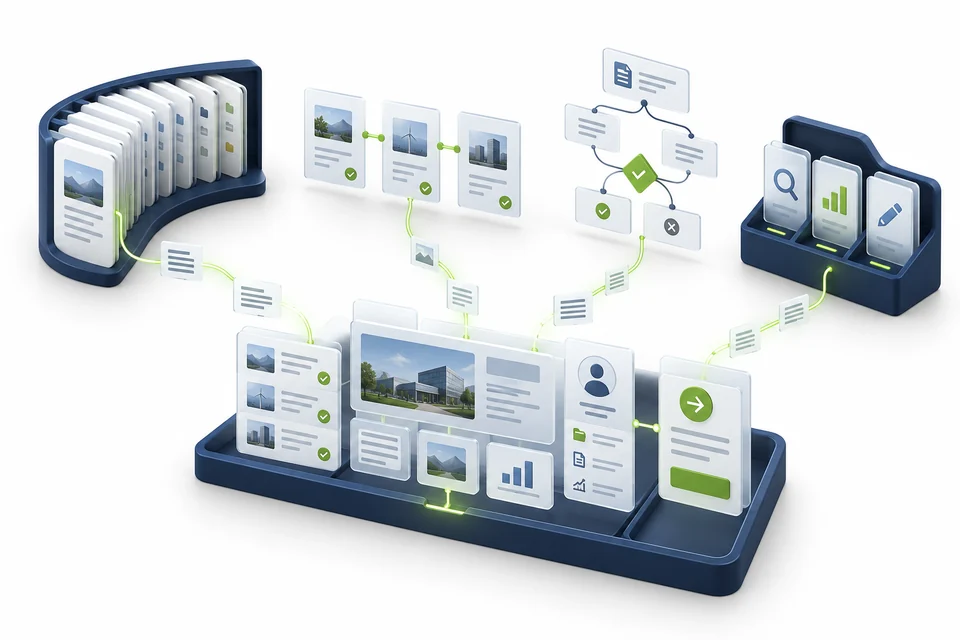
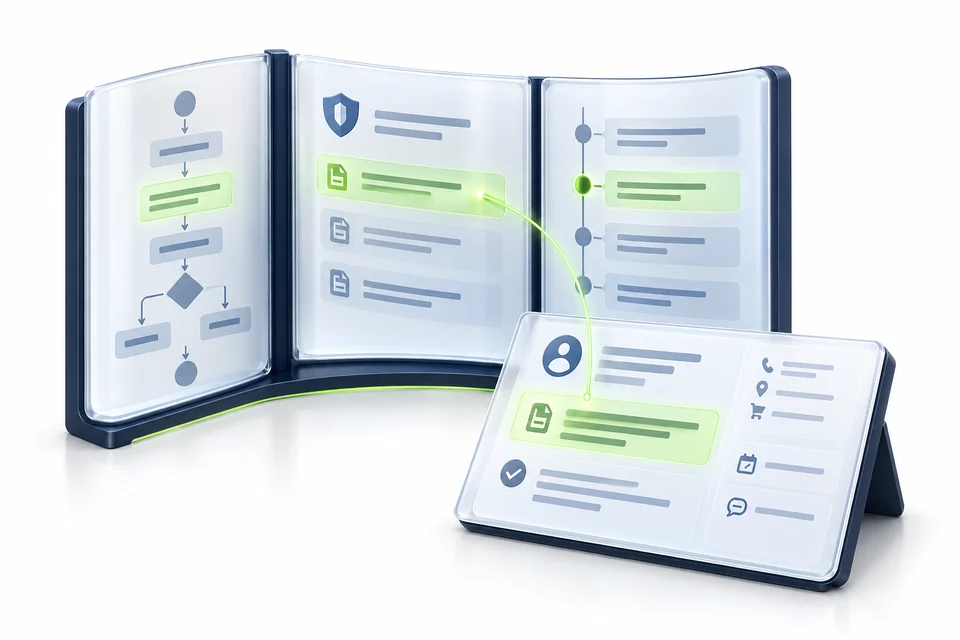
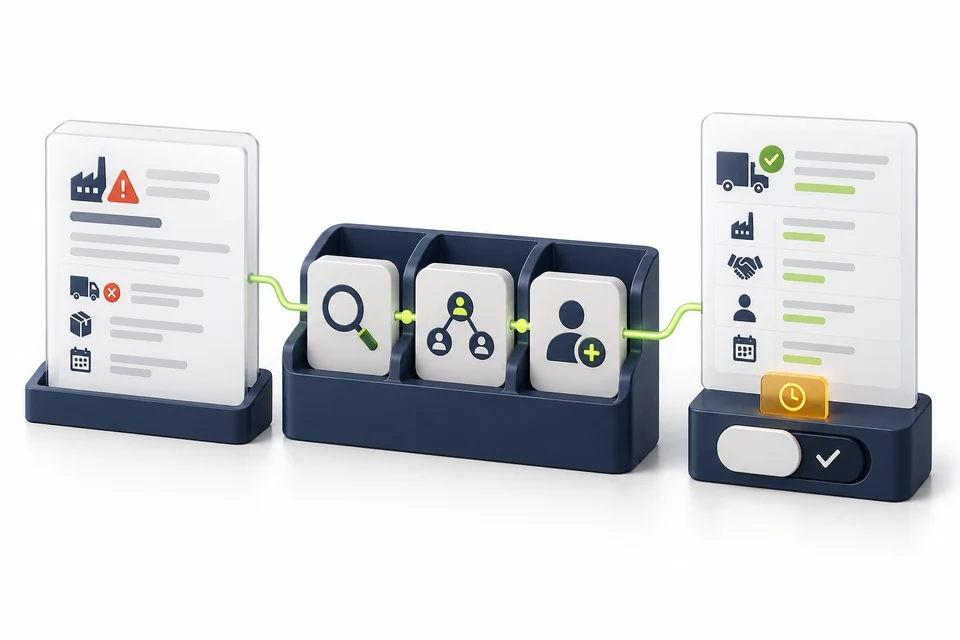
Conceptual framework assembly connecting information, relationships, rules and a business workspace.

The Bridge · MCP

Connect your AI to everyday work.

Let an MCP-enabled AI assistant find information and carry out permitted tasks in the systems you already use. Metabuild provides the connection, with access under your control.

In your businessAsk which customer orders a delayed supplier affects, then request a follow-up through the connected service.

A little more detail: The Bridge · MCP

The Bridge · MCP

A bridge from your question to your business.

MCP means Model Context Protocol: a shared way for AI applications to connect to information and tools. Metabuild puts that connection to work across your existing services, within your access rules.

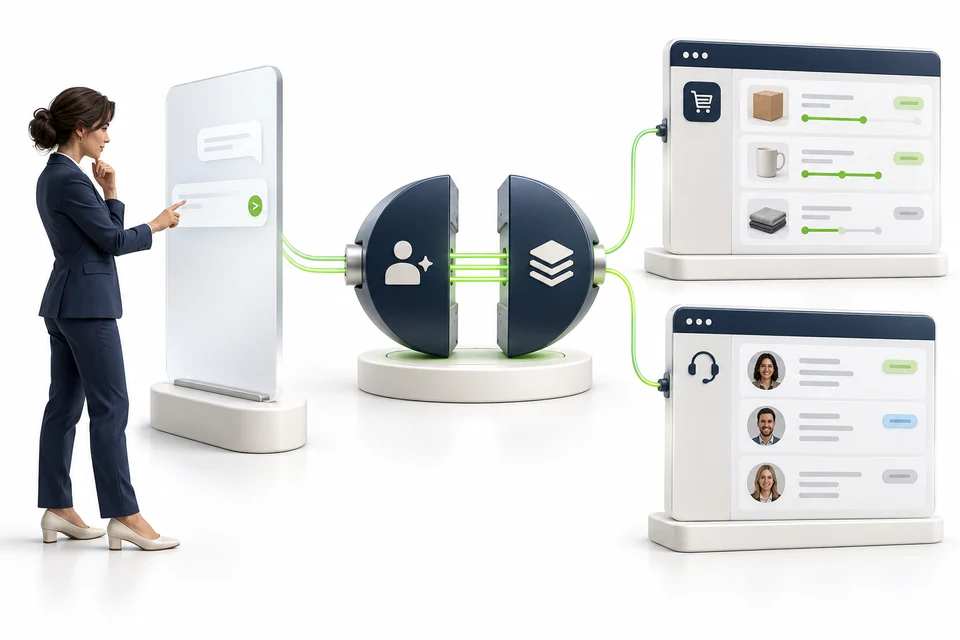
An owner’s assistant connects across a bridge to warehouse, finance and customer-service systems. Green routes carry the request and return information.

Select a concept to highlight it in the picture.

MCP gives the assistant a common connection.

The AI application is where you ask. An MCP server makes selected capabilities available to it. The bridge represents the connection to your existing business systems.

In this example

The owner asks about orders. Her assistant reaches the services made available through Metabuild.

People can ask in a conversation while your existing systems remain the source of information.

Tools turn a request into a useful operation.

A tool is a function the assistant can call: look up an order, run a query or request an allowed action. Metabuild controls which tools are available for the work.

In this example

One query checks stock. Another checks the delivery status. A permitted task can request a customer follow-up.

The answer draws on connected services, and the next action stays within the user’s permissions.

Results come back with useful context.

A query asks a system for specific information. Metabuild can use a known query or create one for a new question. Queries reviewed by a data analyst provide greater confidence in how the information was selected.

In this example

An existing query for orders at risk can be reused. A new query can be referred to a data analyst for review.

Know whether the query has been reviewed, while also considering how current and complete the source data is.

Ask once. Bring the relevant facts together.

“Which customer orders are at risk this week?”

Metabuild connects permitted queries across orders, stock and delivery information, so the assistant can bring the findings into one answer.

An assistant connects through Metabuild to existing order and customer-service applications.

The Class Modeler · Ontology

Show how your business fits together.

Connect the people, suppliers, services and records your business relies on. A shared model helps people and agents understand how they relate and what a change may affect.

In your businessSee which customer orders rely on a supplier and who needs to respond if a delivery is delayed.

A little more detail: The Class Modeler · Ontology

The Class Modeler · Ontology

Give your business a shared meaning.

An ontology describes the kinds of things in a business, their characteristics and how they relate. That shared understanding helps people and agents interpret information in context.

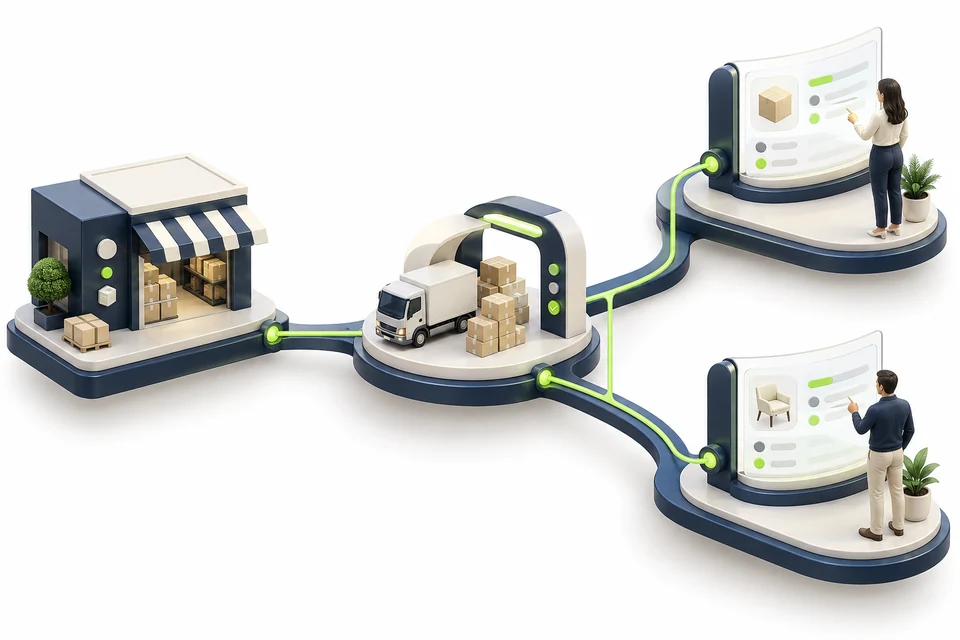
A supplier workshop connects through a distribution operation to two customer shops. Highlight 1 identifies the supplier, 2 its recorded details, and 3 the branching supply relationships.

Select a concept to highlight it in the picture.

Classes name the kinds of things.

Supplier, Distribution centre and Store are examples of classes: categories with a shared meaning.

In this picture

The workshop represents a particular supplier—an instance of the Supplier class.

A common vocabulary helps different teams refer to the same kind of thing consistently.

Properties describe the things.

A supplier can have a name, a location and a delivery lead time. These descriptive values are often called attributes or data properties.

Behind the picture

The digital record holds details about the supplier. The business object and the facts about it belong together.

Consistent descriptions make records easier to compare and use in an answer.

Relationships explain the connections.

A supplier supplies a distribution centre. That centre serves stores. These named connections carry meaning beyond a line on a diagram.

Follow the green connections

Supplier → supplies → Distribution centre → serves → Stores

When a supplier is delayed, those connections help identify which stores may be affected.

From a connected model to a business answer.

“If this supplier is delayed, which stores should we review?”

The Class Modeler gives connected records a shared business context, so people and agents can follow the relevant dependencies.

A supplier and service relate to two orders and their responsible people.

The Knowledge Base

Put shared knowledge to work.

Bring policies, procedures and practical experience together. People and agents help keep that knowledge current, so guidance is easier to find and use in everyday work.

In your businessWhen a supplier is delayed, find the response procedure and relevant contract terms alongside the affected orders.

A little more detail: The Knowledge Base

The Knowledge Base

Useful knowledge. Kept relevant together.

A knowledge base brings guidance and experience together so people can find and use them. People and agents work together to find what matters, prepare updates and keep the guidance useful.

Two colleagues review shared digital knowledge. An assistant display connects to guidance, business context and a review panel.

Select a concept to highlight it in the picture.

Shared sources give answers a foundation.

A source is the material behind an answer: a policy, procedure or captured lesson. Context explains where that guidance applies.

In this example

The shared display brings supplier procedures, responsibilities and working agreements together.

Teams can work from shared guidance rather than different recollections of the same process.

Find the knowledge that fits the question.

Retrieval means finding relevant material. Using that material to support an AI response is called grounding: supporting the answer with information from your business.

In this example

The assistant looks for guidance relevant to a delayed supplier and brings it into the working conversation.

The response can draw on your organisation’s knowledge, within the person’s access boundaries.

People and agents keep the guidance useful.

Human review brings judgement and accountability to a proposed update. An agent can help draft a change; the people responsible decide whether it belongs in shared knowledge.

In this example

The colleagues compare the guidance with what happened, then review the proposed improvement.

Experience becomes useful knowledge for the next person facing a similar situation.

Bring the right guidance into the decision.

“How should we handle this supplier disruption?”

Metabuild brings relevant guidance into the conversation. Agents can help prepare improvements; responsible people contribute experience and review changes.

Relevant guidance is selected from organised digital knowledge and brought to a current task.

The Agents

Give assistance a clear job.

Define an agent’s tasks, set its permissions, choose its tools and decide what needs review. Metabuild keeps its access to information and actions within those boundaries.

In your businessAsk an agent to identify affected orders, compare the options and prepare follow-up work for review.

A little more detail: The Agents

The Agents

Give assistance a purpose. Keep people in control.

An AI agent works towards defined tasks using selected tools. Metabuild controls what it can access and do through permissions, with human review for decisions that need approval.

A colleague starts a task on a tablet. Connected research and comparison tools operate within permission checks, before a result reaches a human reviewer.

Select a concept to highlight it in the picture.

Start with a clear responsibility.

Instructions define the agent’s purpose, expected output and boundaries. A useful task says what to achieve and when to ask for help.

In this example

The colleague asks for a supplier review: identify the impact, compare the options and prepare a recommendation.

The task has a clear outcome and a point where a person reviews the result.

Set what the agent may access and do.

Permissions control which information and actions are available to an agent. Its access is limited by the rules set for the work, even when a tool could perform a wider range of actions.

In this example

For a supplier review, allow delivery-record lookups and a draft response. Keep supplier changes and payment approval outside the agent’s permissions.

Access checks apply when information and tools are used. Human review adds judgement; it does not replace those controls.

Connect the steps to evidence.

Tool use lets an agent obtain information or request an action. Orchestration coordinates the steps so each contributes to the task.

In this example

The connected stations represent gathering records, comparing options and checking the recommendation.

Metabuild provides the tools the agent is allowed to use to gather evidence and prepare the result.

A prepared result reaches the right person.

Human-in-the-loop means a person takes part at a defined review or approval point. The agent prepares the work; the responsible person reviews the decision.

In this example

The reviewer receives the options and recommendation before committing to a supplier change.

Decisions that need approval stay with the people authorised to make them.

Turn a request into a prepared next step.

“Review this supplier issue and prepare our options.”

Within its permissions, an agent can gather information, compare options and prepare a recommendation. Actions requiring approval stay with the responsible person.

A defined task passes through selected tools to a proposal awaiting approval.

Dynamic Content

Bring the right information into one view.

Bring records, guidance and available actions into a workspace shaped around the task. Reusable forms, lists and content help people understand the situation and decide what to do next.

In your businessGive the person reviewing a supplier issue one view of affected orders, relevant guidance and available next steps.

A little more detail: Dynamic Content

Dynamic Content

Bring the work into one useful view.

Dynamic content brings relevant information and available actions together for the task. Metabuild can bring these together in a workspace that fits the task and the person using it.

Customer details, a chart and task components connect along a green thread into a combined workspace used by a colleague.

Select a concept to highlight it in the picture.

Start with the work in front of the person.

Context is the information that makes a view relevant: the customer, case or decision being worked on, and the person’s responsibilities.

In this example

The customer record gives the workspace its starting point. The same question can need different details for different people.

A useful view starts with the task rather than asking people to find their way through every system.

Combine the pieces that help explain the situation.

A component is a reusable part of a view, such as a record, chart or action list. Composition brings those parts together for a purpose.

In this example

Customer details explain who is affected. The chart shows the relevant measures. The task list makes the next steps visible.

Information can be presented in the form that best supports the work.

One view brings the task together.

A workspace combines relevant information and controls. Permissions determine what the person can see and do within it.

In this example

The separate record, chart and task list are assembled on the colleague’s screen, ready to support the decision.

People can understand the situation and find the next permitted step in the same place.

Less searching. A clearer next step.

“Show me what I need to resolve this customer issue.”

Metabuild brings the relevant details, business measures and permitted next steps into a useful view, so the person can focus on the decision.
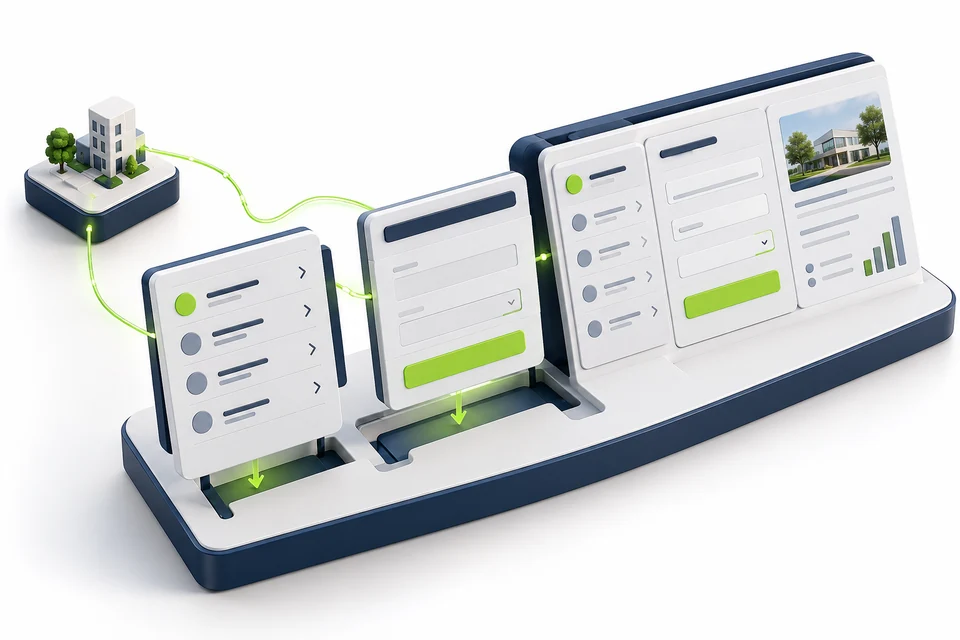

Reusable content modules assemble into a connected business workspace.

Identity & Access

Give people the access their work needs.

Connect access to a person’s role and responsibilities. Control which information they can see and which actions they can take, including when an agent assists them.

In your businessOperations can review affected orders, while a manager with the right authority approves the response.

A little more detail: Identity & Access

Identity & Access

Connected work. Clear boundaries.

Identity and access management connects who someone is with what they may see and do. Metabuild applies your access rules when people work directly or ask an agent to help.

Operations, finance and customer-service colleagues work at separate connected screens, each showing information relevant to their responsibilities.

Select a concept to highlight it in the picture.

Know who is asking.

Authentication verifies an identity. Signing in establishes who is requesting access; it does not, on its own, grant access to everything.

In this example

Each colleague signs in to work. The customer-service colleague’s identity establishes who is requesting access to customer information.

Knowing who is asking lets the business apply the appropriate access rules.

Match access to responsibility.

Role-based access control groups permissions around responsibilities. Operations, finance and customer service can need different information to do their jobs.

In this example

The three work areas show how operations, finance and customer service use information relevant to their responsibilities.

People get a working view that fits their role without opening every record to everyone.

Control what the person may do.

Authorisation determines whether an action is allowed. A permission can allow viewing a record without allowing changes or approval.

In this example

An operations colleague may check an order. A finance colleague may have authority to review its financial details. Approvals follow the business rules.

An agent’s help does not bypass the access and approval boundaries of the work.

Give assistance the right access for the job.

“Can operations check the order without seeing restricted finance records?”

Metabuild uses the person’s responsibilities and permissions to make appropriate information and actions available, including when an agent helps.

Organisation and responsibilities connect people selectively to permitted information.

The Brain

Your company’s
second brain.

Bring shared knowledge, captured experience, business rules and agent assistance together to support everyday decisions.

Knowledge, captured learnings, rules and agent tools combine into a shared answer-and-action workspace.

Knowledge

The guidance and context your people rely on.

Experience

Lessons and decisions captured for the next time.

Rules

The boundaries and approvals that guide the work.

Agents

Assistance that puts connected knowledge and tools to use.

Ask with context. Decide with experience. Act within your rules.

How this comes together: The Brain

The Brain

Put what your business knows to work.

Your company second brain brings knowledge, captured experience, rules and agent assistance together. People contribute and review what the business learns, then use that shared understanding to make better-informed decisions.

A diverse leadership team considers a shared business model, linked to evidence, captured experience, an approval sequence and an agent conversation.

Select a concept to highlight it in the picture.

Bring shared knowledge into the decision.

Context connects the question to the relevant facts and guidance. The shared business model in the centre represents that common understanding.

In this example

The team combines supplier information, business guidance and current figures before considering the impact.

The discussion starts with a shared picture of the situation.

Use what the business has already learned.

Organisational memory is captured experience people can use again. A recorded lesson is useful when the next team can find and understand it.

In this example

The timeline represents previous disruptions and the responses the team has reviewed and recorded.

People can build on earlier experience while checking whether it fits the current situation.

Keep the response within business boundaries.

Business rules express conditions the work must respect. Approval limits, review points and responsibilities help shape an acceptable response.

In this example

The sequence represents preparing an option, checking the conditions and obtaining the required approval.

A promising recommendation still needs to fit the way your business is governed.

Turn shared context into practical assistance.

An agent can bring information together and prepare work using permitted tools. People review the response and retain responsibility for important decisions.

In this example

The conversation connects the team’s question to the shared context, helping prepare options and the next actions.

Knowledge becomes support for a decision and for the work that follows.

Bring the facts, experience and rules together.

“A key supplier is delayed. What should we do next?”

Combine current knowledge, lessons from earlier disruptions and business rules. Agents help prepare the options so people can decide and coordinate the response.

See Metabuild in action.

Follow a business question through to an answer, a decision and the next step.

Explore the journeys