

Someone owns the next move.
The responsible person, the outstanding work and the conditions for moving on belong to the case.
Metabuild / Case management
Bring the work, the people and the evidence into one record — from the first message to a decision you can explain.
8 steps · explore at your own pace · illustrative case

Different work. One workspace.
Four illustrative journeys show where automation helps, where people decide and what stays on the record.
Illustrative configurations of the case engine. The records, values and organisations in these examples are fictional.
Designed around the work
The responsible person, the outstanding work and the conditions for moving on belong to the case.
Classification, extraction and drafts support the work. Approval gates make the points that need a person explicit.
Messages, documents and decisions form a case history that the next person can pick up and understand.
For a closer read
Use the same step-by-step account to review the process with your team.
Phone, portal or email · 8 steps
One fault, two possible endings — and a guard on one field decides which.
Intake
A customer calls about a failure. The agent keys it once, and the case takes its number, its type, its owner and its deadline from the type's own configuration. Priority is not typed in — it is computed live from impact against urgency, so two people describing the same fault get the same answer.
Who has it · The service desk
Case opened · priority High (impact: many sites, urgency: today)
Triage
Classification returns three things, never one: a type, a confidence, and a sentence explaining itself. Above the threshold it files itself and moves on. Below it, the case goes to a triage queue rather than guessing — because a confident wrong answer costs more than an honest question.
Who has it · The engine, then a person
Classified · Service incident, 86% · reason recorded
Assignment
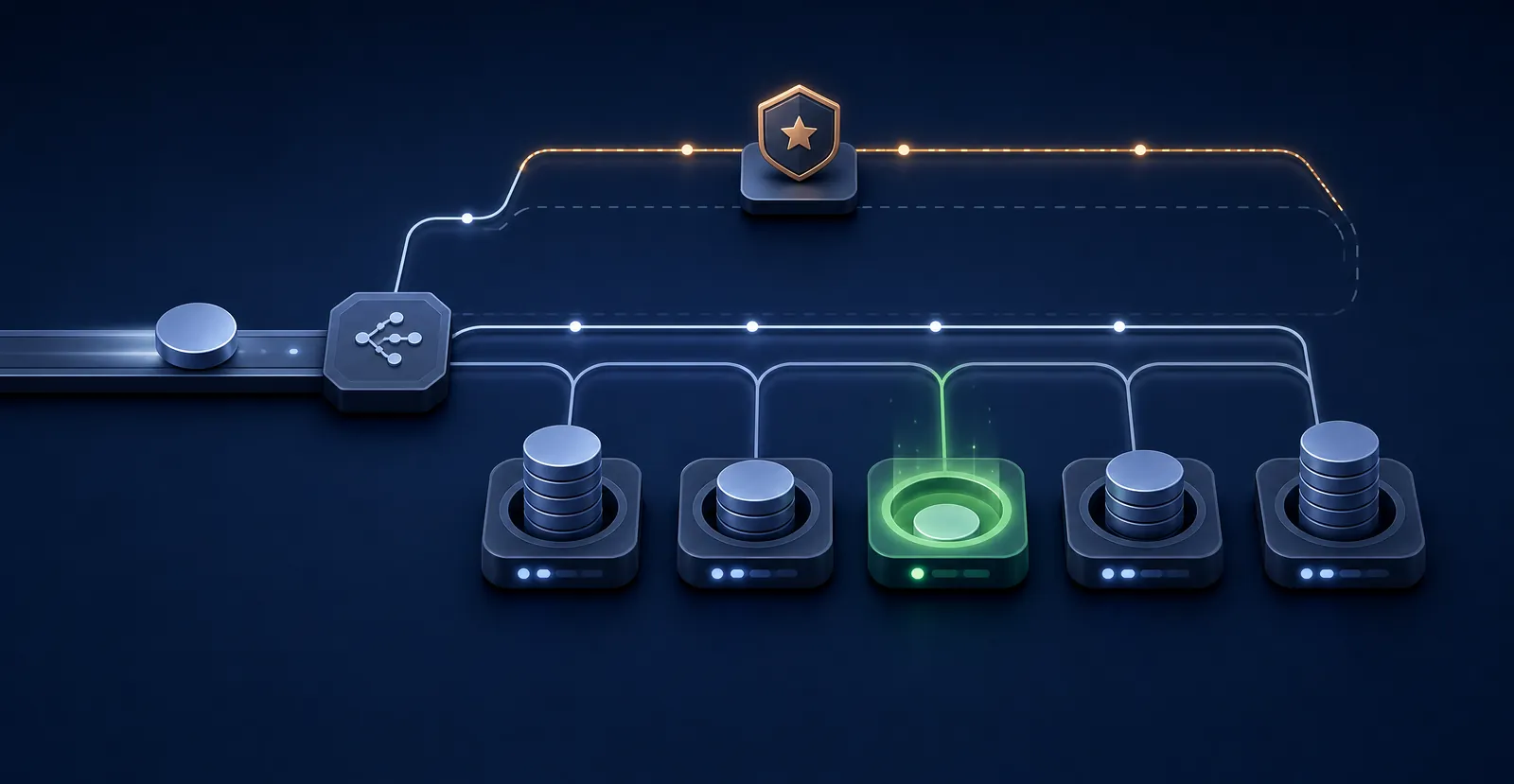
Routing is a strategy on the queue, not a habit in somebody's head: claim it, round robin, least active, or balanced by load — with a cap on how much any one person can hold. A critical case overrides all of it and goes to a manager, which is the one rule you want hard-coded.
Who has it · Whoever the queue picks
Assigned · Field operations · least-active, 3 of 8 slots free
Work
Six more calls arrive about the same failure. They attach to the first as children rather than becoming six investigations, and one fix closes all of them. The engineer can add a step that nobody anticipated — the path is not fixed in advance, only the outcome is.
Who has it · The assigned engineer
6 cases linked as children · one investigation, one fix
Contact
Acknowledgement goes out within a minute of the case opening, with the reference. When they reply, the reply lands on the case rather than in one person’s mail, and it is correlated to the task that was waiting for it. Updates go out on the channel their record says they prefer — email, a messaging channel, the portal. The next person to pick this up can see exactly what the customer has already been told.
Who has it · The case — not somebody’s outbox
Acknowledged · 1 inbound reply correlated · update sent on email
Resolution
Resolving needs a code, a summary and the evidence — a form the administrator configured, not a free-text box. Then the case sits in resolved until the person who raised it confirms, or a grace window closes it. Reopens are counted, and repeated reopens are a quality signal rather than an embarrassment.
Who has it · The engineer, then the customer
Resolved · code: repaired · awaiting confirmation
Outcome
Here is the whole flexibility argument in one step. A guard reads the liability field: our fault raises a credit note, billable work raises an invoice. The step calls the finance function — a platform module or your existing finance system — and the call, its arguments and its answer are written to the case. Above a value threshold it needs an approval first, and the gate will not open without one.
Who has it · The engine, under an approval
Credit note raised · approved by Regional manager · document filed to the case
Closure
Because a case has no status field, where it went is not a column that got overwritten. Every entry, exit, guard that passed, guard that was ignored, tool that ran and person who decided is on the record. When somebody disputes the credit note in four months, the answer is one export away.
Who has it · Nobody — it is done
Closed · 41 timeline entries · 2 approvals · 1 document
Email, upload or scan · 7 steps
Read, classified, routed and checked — with a person confirming only what the engine is unsure about.
Arrival
A supplier emails an invoice to a monitored address — or photographs a delivery note and sends it on a messaging channel, or drops a batch off the office scanner. A rule matches on the sender, the subject or the body, opens a case, and hard-links it to the conversation that created it — not a copy, the thread itself. If the same sender wrote an hour ago, it attaches to the open case instead of raising a second one. The channel is a setting; everything after this point is identical.
Who has it · The engine
Case created from thread · rule matched · acknowledgement sent
Reading
It is a scan, so there are no field coordinates to anchor to. A vision model reads it the way a person does — the layout, the table, the handwriting in the margin — and returns the fields with a confidence on each one. Then it reports three numbers: how many it found, how confident it is overall, and how many a person needs to check. That last number is the point. Extraction is never presented as finished.
Who has it · The engine
Extraction returned · 14 fields · 92% · 3 to verify
Classification
Classification is the second agent, and it decides which lifecycle this document belongs to — a purchase invoice, a claim, an application, a compliance certificate. Each of those is a different flow with different approvers, different deadlines and different forms, and the document is handed to the right one with its confidence and its reason attached.
Who has it · The engine, then the owner of that type
Routed · Purchase invoice · 91% · Accounts payable queue
The agent
Worth opening up, because “an AI did it” is not an answer anybody can sign off. Four bindings on one version — and three of them are governance rather than intelligence, which is the reason an agent can be let near real work at all.
Who has it · The engine, on a short leash
Agent v3 · 5 permitted operations · plan step 3 owned by a person
Verification
The verification screen shows only what was flagged, with the document beside it and the extracted value pre-filled. This is what human-in-the-loop should mean: not re-doing the machine's work, and not rubber-stamping it either. Correct a field and the correction is on the record with the name of whoever made it.
Who has it · A named person
Verified · 2 accepted, 1 corrected · by A. Mokoena
Approval
Who must approve is configuration: by document type, by value band, by the part of the organisation it belongs to. The approver sees the document, the extracted values, what was corrected and by whom. The gate will not open until they act, and the same condition language that routes the case decides whether an approval is needed at all.
Who has it · The approver for this type and value
Approved · R148,200 · within delegated authority
Action
The outcome is posted where it belongs — a platform module, or your finance, ERP or line-of-business system, called as a declared step with its arguments on the record. The supplier is answered on the channel they asked for. The document is filed as a governed record against the case, versioned, with a review date.
Who has it · The engine
Posted to finance · reference returned · supplier notified by email
Outbound, then whatever comes back · 6 steps
Send a request to somebody with no login, and let their answer move the case.
Declared
A step declares its tasks, and one of them is a document request: who it goes to, which channel they prefer, and — the load-bearing part — which action it releases. Forms, approvals, document requests and confirmations are all the same primitive, so anything can gate anything.
Who has it · The case owner
Task created · document request · unlocks: submit
Sent
The request goes out with a one-time link. A follow-up thread opens against the case so the conversation stays attached, the task is marked sent, and the response timer starts. They get one screen: one task at a time, submit, next, and then a page that tells them they are finished.
Who has it · Someone outside your organisation
Sent · one-time link · response timer started
Returned
Not everyone will use a link. The outbound message carries a hidden correlation token, so a plain reply with an attachment matches back to the task and the case without anybody re-filing it. Same rule engine, different action: link to the case, complete the task, or continue the flow.
Who has it · The engine
Reply correlated · task completed · continue proposed
Chased
An overdue request reminds itself, on a cycle, and then escalates to the queue configured for it. The case shows who has the ball at the top of the screen, and the people panel splits your team from the outside parties with each one's open tasks. Waiting on somebody is a visible state, not a gap in the record.
Who has it · Still them — and everybody can see it
Reminder 2 sent · escalated to supervisor queue
In parallel
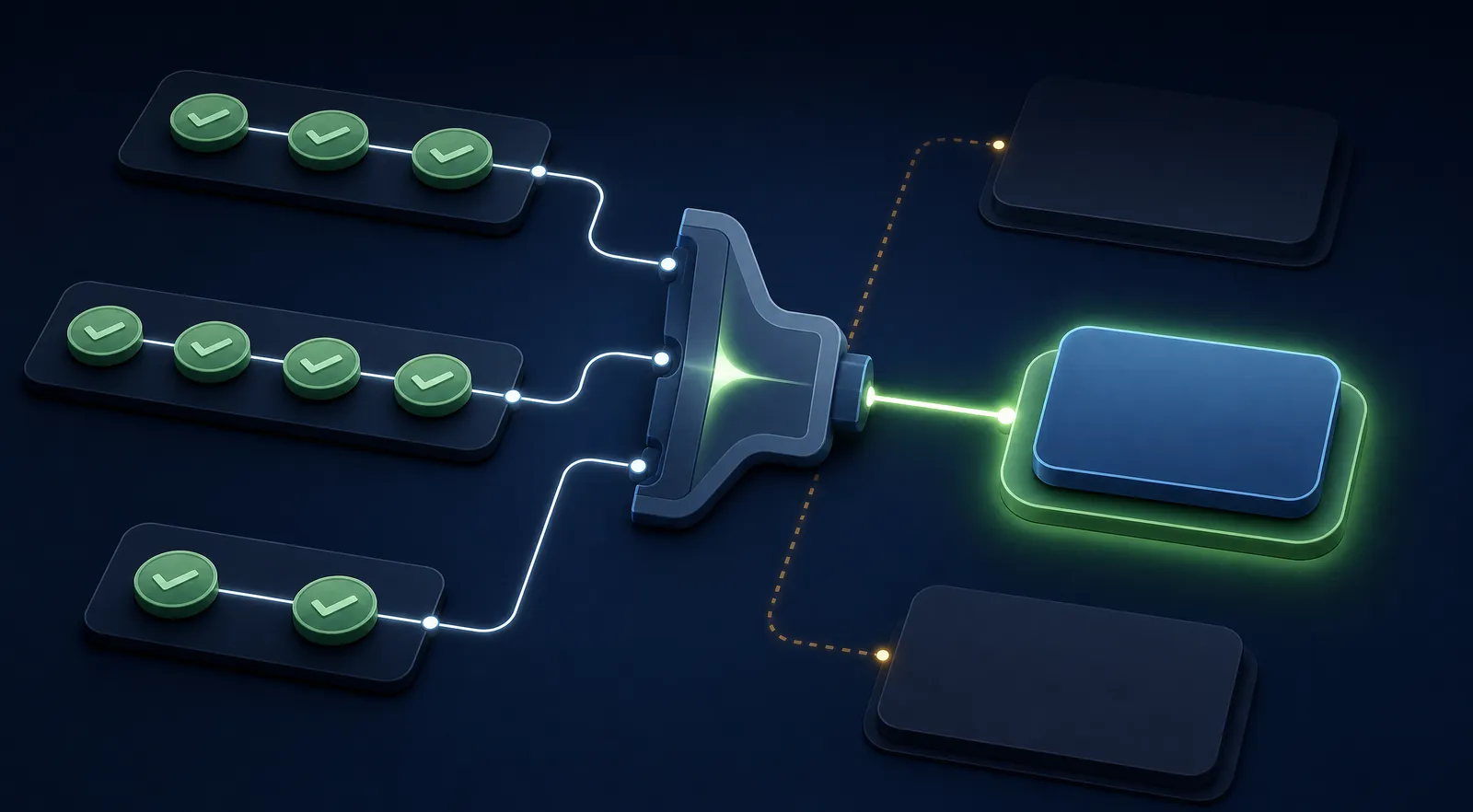
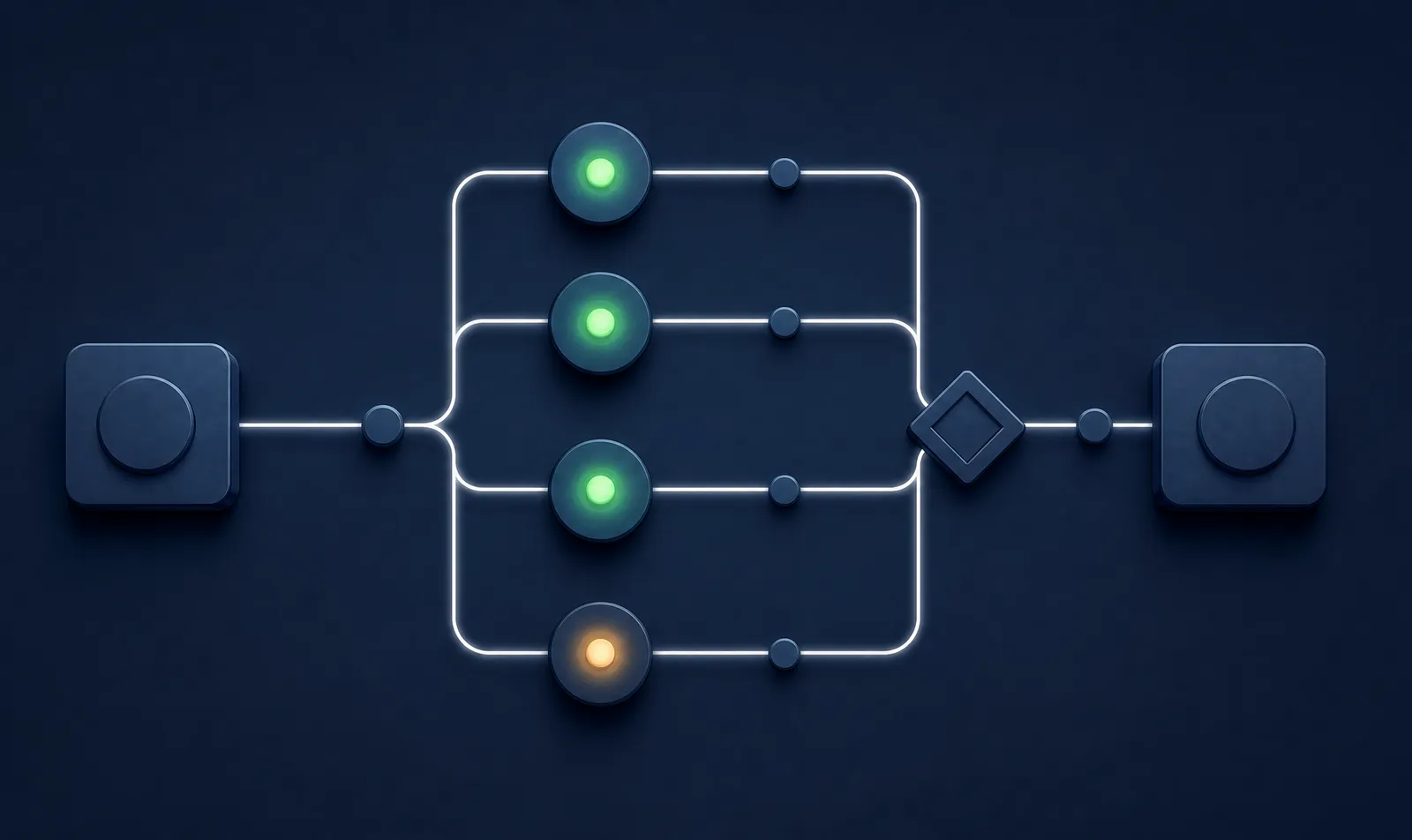
Serial review is where weeks go. So the step fans out: every reviewer gets their own task and their own form, at the same time, and each one answers only their part. The case cannot leave the step until a condition written over the whole set is true — every review present, and each one carrying the values it is required to carry. Three in and one outstanding means the next step is unavailable. Not discouraged: unavailable, to everybody, including an administrator.
Who has it · Four people who do not know about each other
3 of 4 reviews complete · join condition false · next step locked
Unlocked
The checklist ticks, the holder banner flips off waiting, and the action that was locked becomes available. Not because someone judged it ready — because the thing that gated it is demonstrably complete, and the record says when and by whom.
Who has it · The case owner
Gate satisfied · auto-advanced · fan-in join complete
Nothing — the engine starts this one · 5 steps
An obligation with an expiry raises its own next case, before anybody notices it is due.
Issued
A case closes by producing something that expires — a certificate, a licence, an accreditation, a contract term. It is filed as a governed document against the case, with its expiry as data rather than as a note in a spreadsheet somebody maintains.
Who has it · Nobody yet
Document issued · expires in 12 months · filed to the case
Watched
A job runs daily and looks forward. Anything approaching its expiry inside the window appears on the dashboard as work that is coming, not work that is late. The window is a setting, because how much notice you need depends on how long your process takes.
Who has it · A scheduled task
12 obligations expiring within 45 days · surfaced on the dashboard
Raised
The renewal case is created ahead of the deadline and linked to the one that caused it. The history is not a coincidence of naming — it is a relationship, so the third renewal can still see what the inspector said the first time.
Who has it · Whichever queue owns renewals
Renewal case raised · linked to predecessor · assigned to renewals
Two clocks
Put a case on hold while you wait for somebody and the operational commitment stops — it is not fair to measure your team against time they did not control. The statutory clock keeps running, because the regulator does not care who you were waiting for. Two clock classes, one case, and the difference is visible on screen.
Who has it · Depends which clock you are reading
On hold · awaiting third party · operational paused, statutory running
Closed
The new document supersedes the old one, the loop arms itself for next year, and the estate-level view shows what is compliant, what is in flight and what is at risk — without anybody maintaining a register by hand. That is the difference between a system of record and a system that works.
Who has it · Nobody — it is done
Closed · document superseded · next cycle armed
Your process, next
Tell us about the handoff, the approval or the deadline that needs a better home.

The screen is wider than this column — drag it sideways.

The screen is wider than this column — drag it sideways.
The screen is wider than this column — drag it sideways.

The screen is wider than this column — drag it sideways.

The screen is wider than this column — drag it sideways.

The screen is wider than this column — drag it sideways.

The screen is wider than this column — drag it sideways.

The screen is wider than this column — drag it sideways.

The screen is wider than this column — drag it sideways.

The screen is wider than this column — drag it sideways.

The screen is wider than this column — drag it sideways.

The screen is wider than this column — drag it sideways.

The screen is wider than this column — drag it sideways.
The screen is wider than this column — drag it sideways.

The screen is wider than this column — drag it sideways.

The screen is wider than this column — drag it sideways.

The screen is wider than this column — drag it sideways.

The screen is wider than this column — drag it sideways.

The screen is wider than this column — drag it sideways.

The screen is wider than this column — drag it sideways.

The screen is wider than this column — drag it sideways.

The screen is wider than this column — drag it sideways.

The screen is wider than this column — drag it sideways.

The screen is wider than this column — drag it sideways.
The screen is wider than this column — drag it sideways.

The screen is wider than this column — drag it sideways.