

Alternative fulfilment
Estimated extra cost: R 80,000
Seek another source to protect deliveries. Confirm capacity and final pricing before committing.
Decision neededConsider a spending ceiling with explicit conditions.
Ask the agent for an urgent board pack. Watch it bring the evidence together, then guide directors through the impact, options and decisions.
Build the pack · Walk the board through it
Read how it works ↓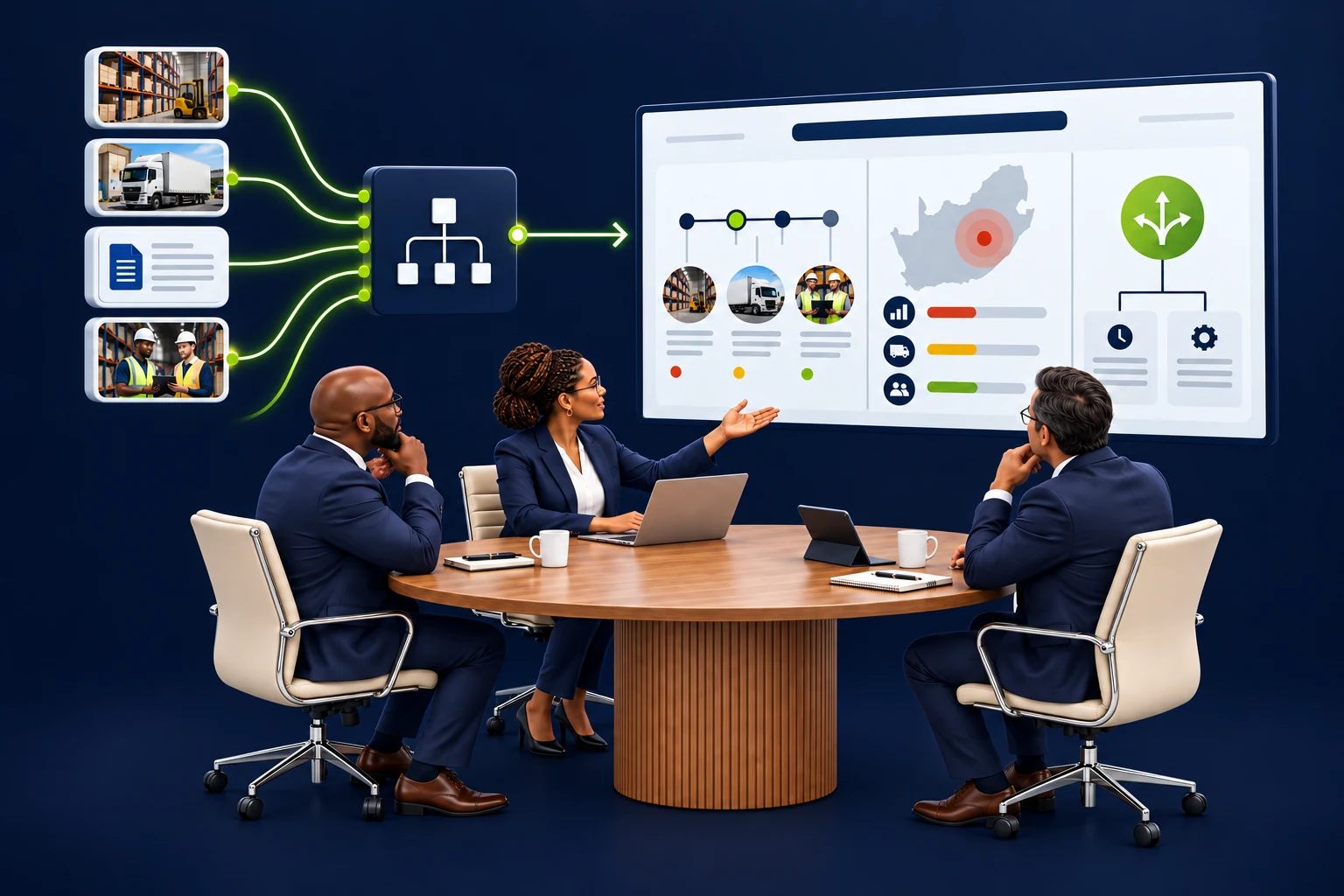
Follow the supplier disruption in the guided journey, or explore the story below.
Illustrative scenario with fictional records. The walkthrough runs locally; no live business systems or AI services are called.It needs to understand what is exposed, which responses are possible and what decision is required. Metabuild brings the relevant records and business context into one briefing.
How the company second brain contributes ↗Supplier disruption · decision agenda

Connected tools gather the facts. The business model identifies dependencies. Knowledge and captured learnings supply the context. Metabuild applies your presentation style, bringing the evidence together with clear charts, diagrams and source references.
The briefing keeps its evidence cut-off, source references and unanswered questions visible.
For the initial 09:00 scenario, the board considers two responses. The proposal changes the decisions requested in the presentation.
Estimated extra cost: R 80,000
Seek another source to protect deliveries. Confirm capacity and final pricing before committing.
Decision neededConsider a spending ceiling with explicit conditions.
No new procurement spend
Update affected customer owners while the restart remains unknown. Delivery exposure continues.
Decision neededAgree communication responsibilities and the next update.
Walk through the eight-slide pack with the agent. Explore the figures, compare the proposal and inspect the evidence behind each conclusion. Then download the reviewed presentation.
Changing the evidence or recommendation clears the review state. Preparing a report does not approve spending or record a board decision.
Explore how cases keep the work, people and evidence together.
Explore Case Management